
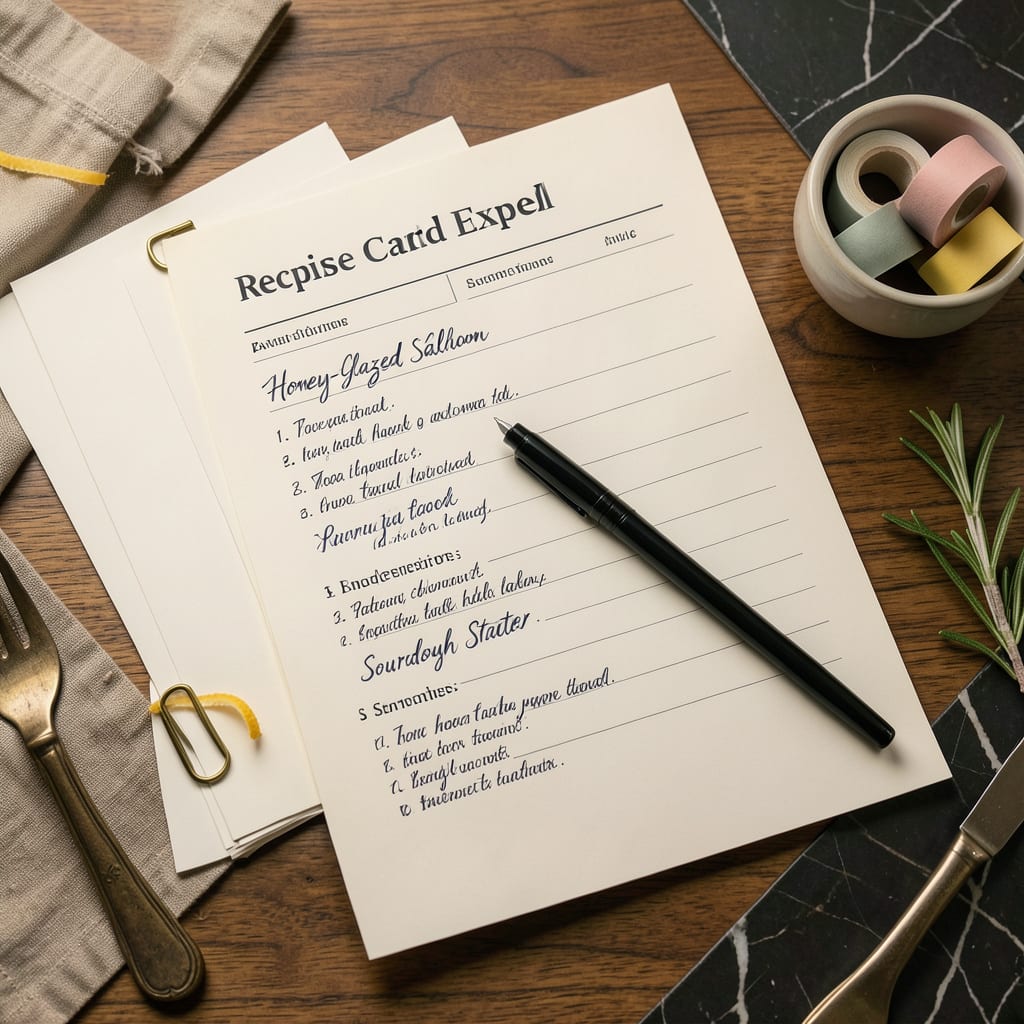
A recipe card template in Excel lets you organize ingredients, instructions, and cooking details in a customizable digital format. Download free templates with pre-formatted sections for easy meal planning and printing.
I love using these digital templates because they transform chaotic recipe collections into searchable, scalable systems. 🔥 The real power comes from Excel’s built-in features—you can automatically adjust ingredient quantities for different serving sizes, filter recipes by dietary tags, or even create shopping lists that tally costs. What sets this apart from paper cards is the ability to update everything instantly when you tweak a recipe, eliminating the mess of scribbled notes or duplicate cards. Plus, the templates often include helpful extras like nutritional calculators or meal prep timelines that paper versions simply can’t match.
💡 In This Article
- How Excel Recipe Card Templates Simplify Meal Organization
- Customizing and Printing Your Excel Recipe Cards
How Excel Recipe Card Templates Simplify Meal Organization
The magic happens when you leverage Excel’s calculation features for recipes. Imagine adjusting a cake recipe from 8 servings to 12—the template automatically recalculates all ingredient quantities with perfect accuracy. This works because Excel treats each ingredient as a formula (like =B2*1.5 for 1.5x scaling), eliminating manual math errors.
You can even set up dropdown menus for measurement units (cups, grams, tablespoons) that convert automatically when you change serving sizes. 🔥
Organization becomes effortless with Excel’s filtering capabilities. I’ve seen templates with color-coded tabs for different meal types (breakfast, dinner, desserts) and searchable tags for dietary needs (vegan, gluten-free, keto). The real game-changer is the ability to create a master ingredient database—type “chicken breast” once, and every recipe using it pulls from the same standardized entry.
This means when you update the calorie count or cost per pound in one place, it updates across all recipes instantly. ✨
What most people overlook is Excel’s data validation feature for error-proofing. You can set rules that flag impossible measurements (like 50 cups of salt) or missing cooking times. Some advanced templates even include conditional formatting that highlights expired recipes based on the “last made” date you enter.
For meal preppers, this means you’ll always know which recipes need rotation in your weekly plan. 💫
The templates often include hidden worksheets that act as powerful tools. One sheet might calculate total grocery costs by pulling price data from your recipes, while another generates a weekly meal calendar that auto-populates with prep times.
I’ve used templates that even track which recipes get the most positive family feedback—just add a rating column and let Excel sort your favorites to the top. ⚡
For special diets, the customization options are incredible. Need to track net carbs? Add a column with the formula =carbs-fiber. Managing food allergies? Create a filter that excludes any recipe containing your problem ingredients.
The templates adapt to your specific needs in ways paper cards never could—whether you’re tracking macronutrients for bodybuilding or planning kid-friendly meals with hidden veggies. 🌟
Here’s what makes these templates kitchen-proof: the best ones include print-ready formatting with large, bold headings for recipe names, clear section breaks between ingredients and instructions, and even space for handwritten notes. Some designers add subtle gridlines that disappear when printed, keeping your cards clean but ensuring perfect alignment when you’re filling them out digitally.
The attention to these small details makes all the difference when you’re cooking with flour-covered hands. 💛

- BBQ Sausage Recipe Oven: Smoky Depth Without the Grill - September 28, 2026
- BBQ Chicken Bowl Recipe Rice: Smoky Sweetness Over Fluffy Grains - September 28, 2026
- Beef Cutlet Recipe Ideas: Crispy Breaded Patties With Bold Seasonings - September 28, 2026