
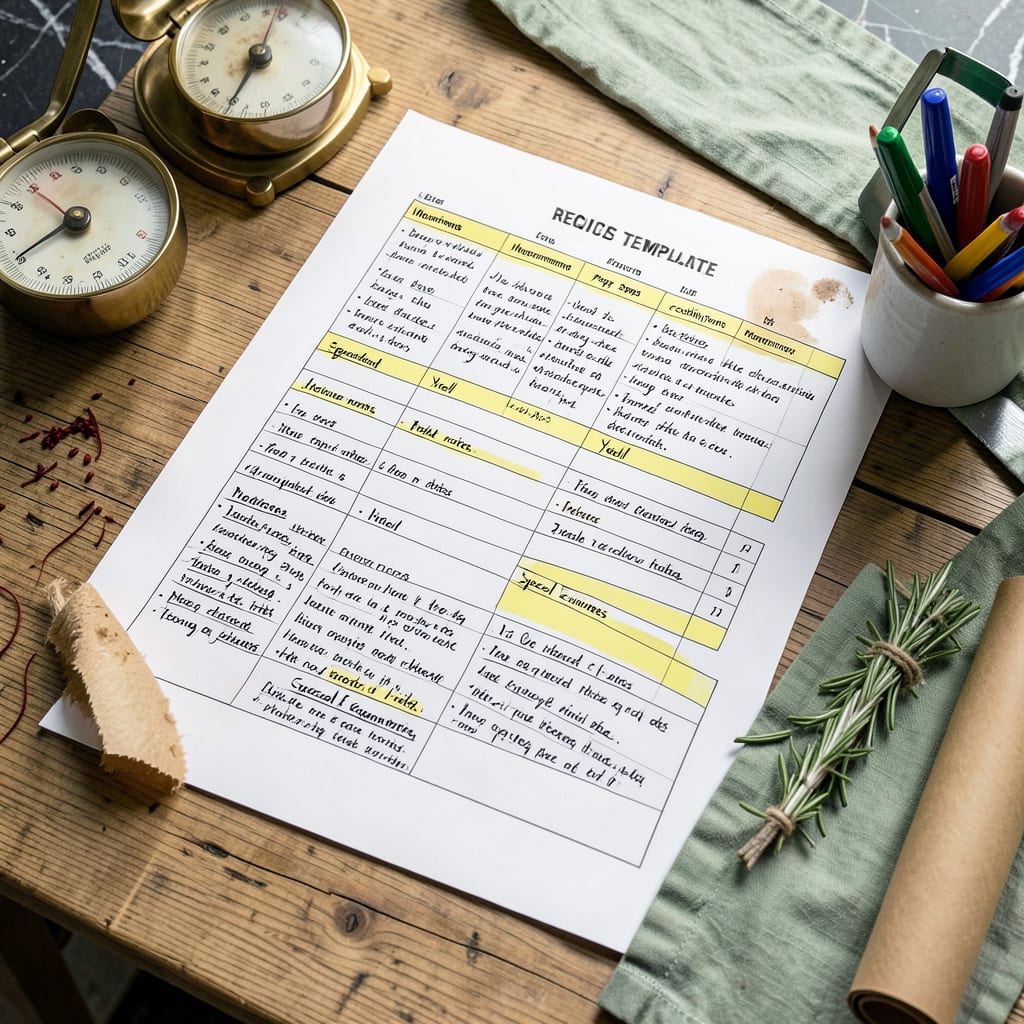
A recipe spreadsheet template organizes ingredients, measurements, instructions, and nutritional data in one place. It helps streamline meal planning, grocery shopping, and cooking efficiency with customizable columns for dietary needs or batch adjustments.
I think of this as your kitchen’s command center—it transforms scattered notes and sticky pads into a searchable, scalable system. 🔥 The real power comes when you start using formulas to automatically calculate costs per serving or adjust ingredient quantities for larger groups. What I love most is how it bridges the gap between cooking and technology, turning chaotic recipe collections into actionable data you can sort, filter, and analyze.
For home cooks who meal prep or manage special diets, this becomes particularly valuable. You can track macronutrients alongside ingredients, flag allergens in red, or even build seasonal menus with built-in availability calendars. The customization options mean your template grows with your cooking skills and household needs over time. ✨
💡 In This Article
- Key Components of an Effective Recipe Spreadsheet Template
- Customizing and Using Your Recipe Spreadsheet Template
Key Components of an Effective Recipe Spreadsheet Template
The backbone of any great template starts with five essential columns: ingredients (with precise measurements), step-by-step instructions, yield quantities, prep/cook times, and source references. What separates a basic list from a powerhouse tool is adding formula-driven fields—like automatic cost-per-serving calculations or ingredient scaling for different batch sizes.
I’ve found that color-coding (red for allergens, green for pantry staples) instantly boosts usability. 🔥
For serious meal planners, nutritional data becomes game-changing. Dedicated columns for calories, macros (protein/carbs/fat), and common allergens (gluten, dairy, nuts) transform your spreadsheet into a dietary dashboard. The magic happens when you link these to your grocery list—imagine your template automatically flagging high-sodium recipes or calculating weekly fiber intake.
Pro tip: Use dropdown menus for meal categories (breakfast/lunch/dinner) to enable quick filtering. ✨
Structure matters more than you think. Group related information visually: cluster all time-related data (prep, cook, total), keep ingredients and measurements adjacent, and separate instructions into clear numbered steps. I recommend freezing header rows and using conditional formatting to highlight expired ingredients or recipes needing restocking.
The best templates balance comprehensive data with at-a-glance readability—think of it as your kitchen’s control panel. 💫
Advanced users should incorporate cross-referencing capabilities. Link ingredients to a master pantry inventory sheet, or connect recipes to seasonal availability charts. For example, your template could automatically suggest asparagus recipes in spring or squash dishes in fall.
The most powerful templates I’ve seen include QR code generators for each recipe—scan to pull up instructions on your phone while cooking. ⚡
Don’t overlook the metadata section—this is where you track recipe origins, success rates, and personal notes. I always include columns for “times made,” “family rating,” and “modifications tried.” This turns your template into a living document that improves with each use. The best part?
You can sort by these fields to quickly find your most successful dishes or identify recipes that need tweaking. 🌟
For digital users, consider adding hyperlinks to video tutorials or related recipes. Physical spreadsheet users can benefit from print-friendly formatting with larger fonts for the instructions section. The key is making the template work for your specific workflow—whether that’s quick weeknight meals or elaborate dinner parties.
Remember, a great template isn’t just about storage; it’s about making your cooking process smoother and more enjoyable. 💛

- BBQ Sausage Recipe Oven: Smoky Depth Without the Grill - September 28, 2026
- BBQ Chicken Bowl Recipe Rice: Smoky Sweetness Over Fluffy Grains - September 28, 2026
- Beef Cutlet Recipe Ideas: Crispy Breaded Patties With Bold Seasonings - September 28, 2026