
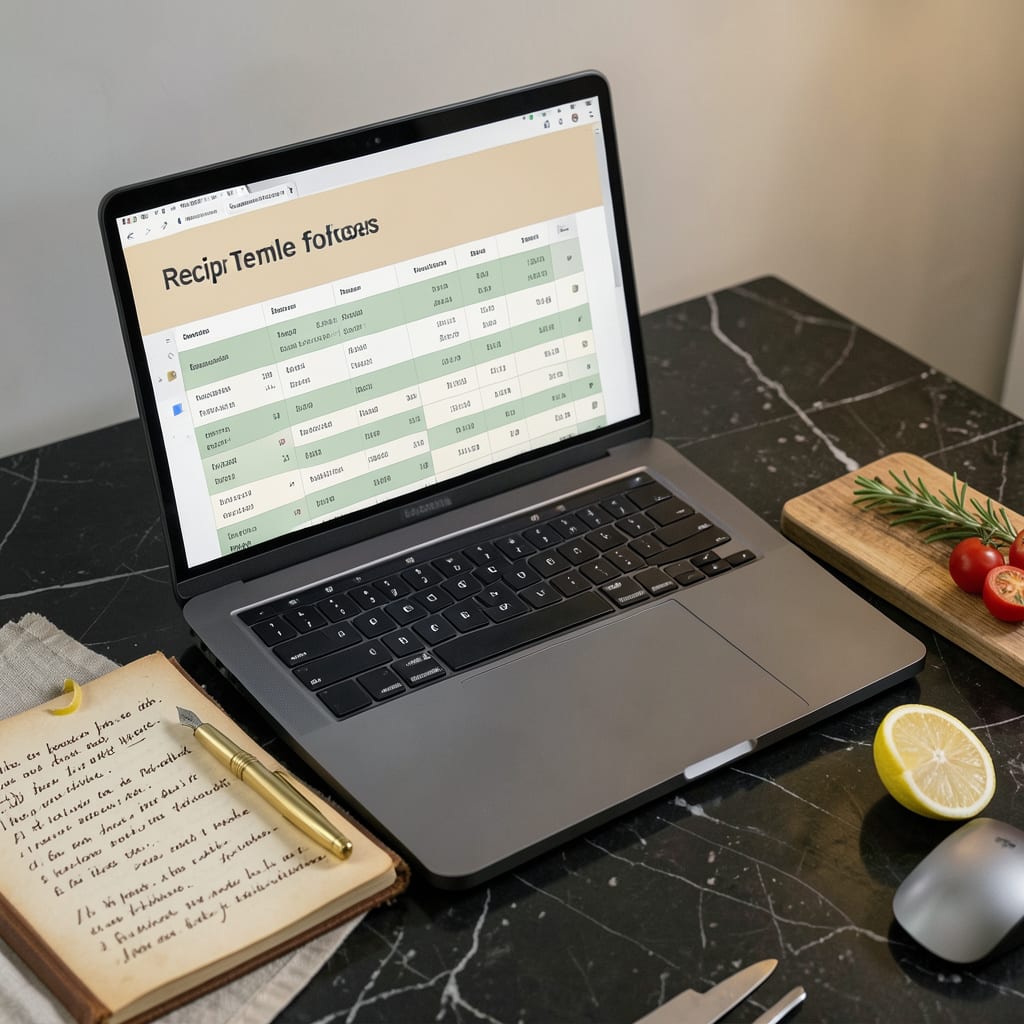
A well-designed Excel recipe template organizes ingredients, instructions, and nutritional info in separate columns with auto-calculations for servings. Download our free version with pre-formatted sections for meal planning and grocery lists.
I’ve found that the real power of these templates lies in their ability to transform chaotic recipe collections into streamlined systems. 🔥 The auto-scaling feature alone saves hours when adjusting batch sizes—imagine instantly converting a 4-serving dish to 12 for dinner parties without manual math. What most people overlook is how dropdown menus for meal categories (breakfast/lunch/dinner) and dietary tags (keto/vegan) create searchable databases that adapt to your cooking habits over time.
From my experience working with home cooks, the grocery list integration becomes a game-changer during weekly meal prep. ✨ The template automatically consolidates ingredients across multiple recipes, eliminating duplicate items and even sorting by supermarket sections. This level of organization doesn’t just save time—it reduces food waste by ensuring you only buy what you’ll actually use.
💡 In This Article
- Key Features of an Effective Excel Recipe Template
- Customizing Your Excel Recipe Template for Meal Planning
Key Features of an Effective Excel Recipe Template
The foundation of any great recipe template starts with its structural organization. I always recommend dedicating separate columns for ingredients, quantities, units, and prep steps—this creates a clean workflow where each component has its own space.
The magic happens when you add dropdown menus for measurement types (cups, tablespoons, grams) and cooking methods (bake, sauté, simmer), which eliminates guesswork and standardizes your entries. 🔥
What truly elevates a template is its ability to handle calculations automatically. Built-in formulas can instantly scale ingredient quantities when you adjust serving sizes—imagine changing a recipe from 4 servings to 8 with one click, and watching all measurements update proportionally.
I’ve seen templates where nutritional information (calories, macros) auto-populates based on ingredient databases, giving you real-time dietary insights. Conditional formatting takes this further by highlighting missing ingredients in red or flagging recipes that exceed your calorie goals. ✨
The best templates incorporate visual hierarchy to improve usability. Use bold headers for recipe names, color-code sections (green for ingredients, blue for instructions), and add checkboxes for completed steps. I’ve found that freezing the top row with column headers keeps your bearings as you scroll through lengthy recipes.
For meal planners, adding a prep time and cook time column helps balance weekly menus—you’ll instantly spot if you’ve scheduled three 1-hour dishes for a Tuesday night. 💫
Advanced templates take organization to the next level with relational databases. By assigning unique IDs to each recipe, you can create a master index that sorts by cuisine type, dietary restrictions, or cooking time.
I’ve built templates where selecting “vegan” from a dropdown automatically filters all compatible recipes, or where choosing “weeknight meals” displays only dishes under 30 minutes prep time. This transforms your spreadsheet from a static list into an interactive cooking assistant. ⚡
Don’t underestimate the power of notes sections for personal adaptations. I always include columns for modifications (like “used almond milk instead of dairy”) and ratings (1-5 stars), which helps refine recipes over time.
Some templates even incorporate image placeholders where you can insert photos of your finished dishes—visual documentation that’s especially helpful for complex techniques or plating ideas. The most effective systems grow with you, adapting to your cooking evolution. 🌟
For tech-savvy users, integrating Excel’s data validation features prevents errors before they happen. Set up rules that flag impossible measurements (like 20 cups of salt) or alert you when a recipe’s total time exceeds your available window.
I’ve created templates that automatically suggest side dishes based on the main course’s cuisine type, or that calculate cost-per-serving to help with budget meal planning. These intelligent features turn a simple spreadsheet into a culinary command center. 💛

- BBQ Sausage Recipe Oven: Smoky Depth Without the Grill - September 28, 2026
- BBQ Chicken Bowl Recipe Rice: Smoky Sweetness Over Fluffy Grains - September 28, 2026
- Beef Cutlet Recipe Ideas: Crispy Breaded Patties With Bold Seasonings - September 28, 2026