
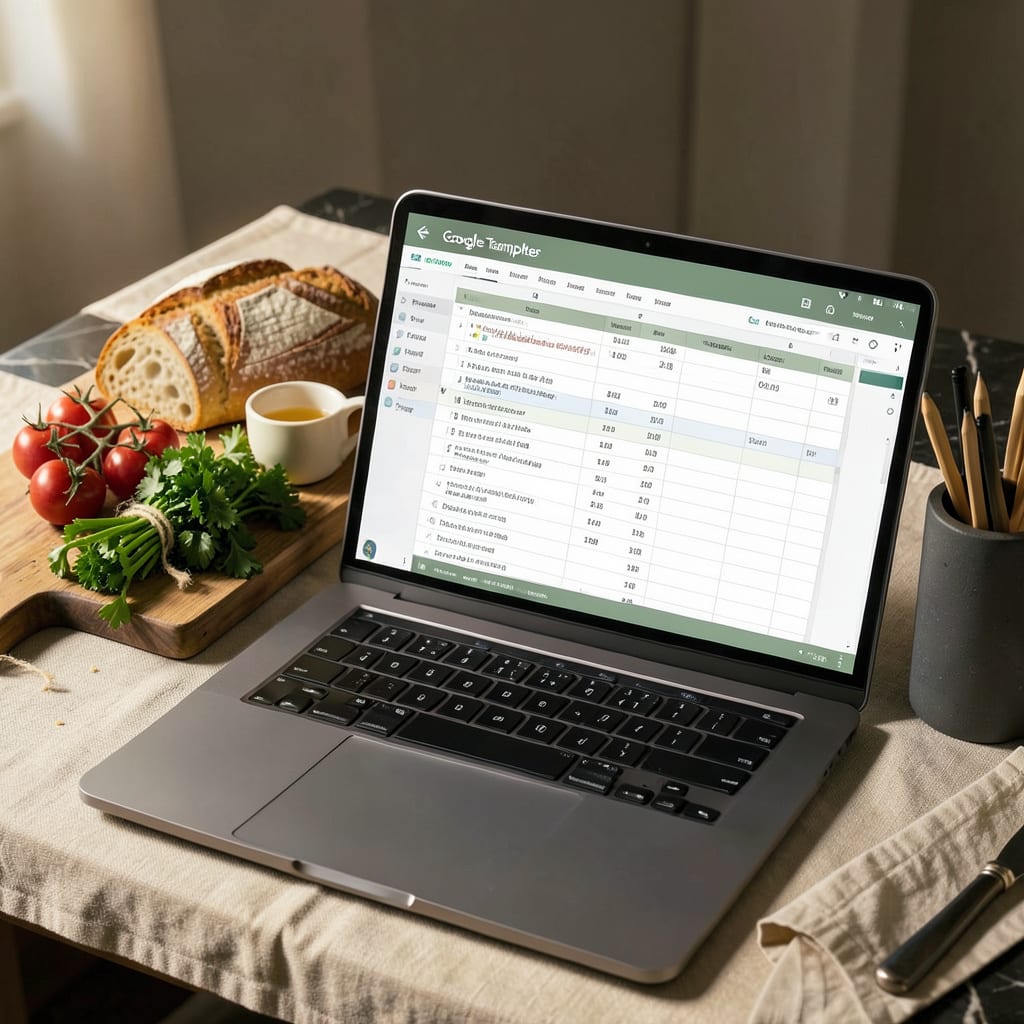
A Google Sheets recipe template helps organize ingredients, instructions, and notes in one customizable digital space. Use pre-made layouts or create your own with columns for measurements, prep time, and dietary tags for easy meal planning.
I’ve found these templates transform how people approach cooking by turning scattered notes into a streamlined system. 🔥 The real power comes from features like automatic calculations for ingredient scaling (doubling or halving recipes) and built-in grocery lists that update as you add new dishes. What’s especially useful is the ability to filter recipes by cooking time, dietary restrictions, or even seasonal ingredients—something paper recipes simply can’t match.
From my experience, the collaborative aspect makes this tool invaluable for families or roommates sharing meal responsibilities. ✨ You can simultaneously edit the same template, leave notes about ingredient substitutions, or even track which meals were hits versus misses. Plus, with cloud storage, your entire recipe collection stays accessible from any device—no more lost index cards or stained cookbooks!
💡 In This Article
- Key Components of an Effective Recipe Template in Google Sheets
- How to Customize and Share Your Google Sheets Recipe Template
Key Components of an Effective Recipe Template in Google Sheets
The foundation of a great recipe template starts with structured ingredient sections. I always recommend creating separate columns for quantity, unit (cups, tablespoons), and ingredient name—this lets you sort by ingredient type or quickly scale recipes. The magic happens when you add a serving multiplier cell that automatically adjusts all quantities.
For example, changing from 4 to 8 servings instantly doubles every ingredient without manual calculations. 🔥
Step-by-step instructions need clear visual hierarchy. Use row shading (alternating colors) to distinguish between prep steps and cooking phases. I’ve found that adding a time estimate column for each step helps cooks pace themselves—like showing “10 minutes” for chopping vegetables versus “30 minutes” for simmering.
Conditional formatting can highlight critical steps in red or completed steps in green, which prevents missed actions during complex recipes.
Nutritional tracking becomes effortless with dedicated columns for calories per serving, macronutrients, and allergens. What most people overlook is using data validation dropdowns for units (oz, g, ml) to prevent inconsistent measurements.
You can even add a cost per serving calculator by linking ingredient quantities to current grocery prices—this helps budget-conscious cooks compare recipe expenses at a glance. ✨
Meal categorization transforms your template into a searchable database. Create dropdown menus for meal type (breakfast, dinner), cuisine (Italian, Mexican), and dietary tags (vegan, gluten-free). The real power comes when you add a filter view—suddenly you can pull up all 30-minute vegetarian dinners or high-protein meals with two clicks.
I’ve seen home cooks reduce meal planning time by 60% using this system.
Advanced templates incorporate grocery list automation. By flagging ingredients as “needed” or “pantry staple,” you can generate a master shopping list that combines items from multiple recipes. Some templates even integrate with Google Assistant for voice-controlled additions while you’re cooking.
The most organized templates include an inventory tracker for spices and staples, so you’ll never start a recipe only to find you’re out of cumin. 💫
Visual elements make templates more intuitive. Insert small recipe photos in a dedicated column (resized to 2×2 inches to keep the sheet clean). Use emoji like 🍳 for cooking steps or ⏱️ for timing notes.
I recommend freezing the header row and first column so your categories stay visible as you scroll through lengthy recipes—this simple trick prevents constant scrolling back to check what “Column G” represents.
Collaboration features turn solo templates into family tools. Shared templates let multiple users add notes like “doubled the garlic—better!” or “kids loved this.” Version history becomes your secret weapon when someone accidentally deletes a section.
For tech-savvy users, linking to a separate meal calendar sheet creates a complete planning system where dragging a recipe to Monday automatically adds its ingredients to that week’s grocery list. ⚡

- BBQ Sausage Recipe Oven: Smoky Depth Without the Grill - September 28, 2026
- BBQ Chicken Bowl Recipe Rice: Smoky Sweetness Over Fluffy Grains - September 28, 2026
- Beef Cutlet Recipe Ideas: Crispy Breaded Patties With Bold Seasonings - September 28, 2026